1. Navigate to https://learn.pacificcollege.edu and locate the course you want to submit the final grades.
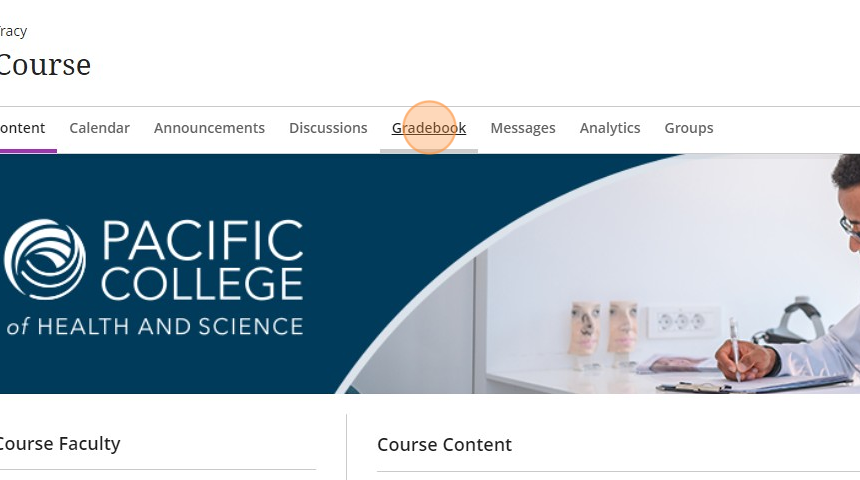
2. Click on "Gradebook."
3. Review that all assignments have a grade and all grades are posted. Do not leave assignments empty, if the student missed the assignment enter a zero (0).
4. Do not manually enter a grade in the Final Grade column, you will do that in the next steps.
⚠️ Does your course have an "Average Exam Grade" column? Expand to review
4.1. If your course has an "Average Exam Grade" you will need to review the average is 77% or above.
(tip: you can order gradebook view so it displays from low to high by clicking the arrows next to the column header)
4.2. If the student has a 76% or lower in the "Average Exam Grade" column, you will need to manually change their "Overall Grade" to a 69.

This is what it should look like once you have done that.

⚠️IMPORTANT: do not edit the "Final Grade" column
Delete5. Once you have reviewed all assignments and grades, click on "Content" to leave the gradebook view.

6. Locate the "Books & Tools" option on the right-hand side of the course content page. Click "View course & institution tools".

7. A sidebar menu will open on the right side. Click on "Submit Grades."

8. Click "Populate with overall grade..."

9. The "Final Grade" column shown here should now be populated. Once you have reviewed, scroll to the end of the list and click "Submit Grades"

10. After you click "Submit Grades," you will see a pop-up confirmation window where you click "Submit."

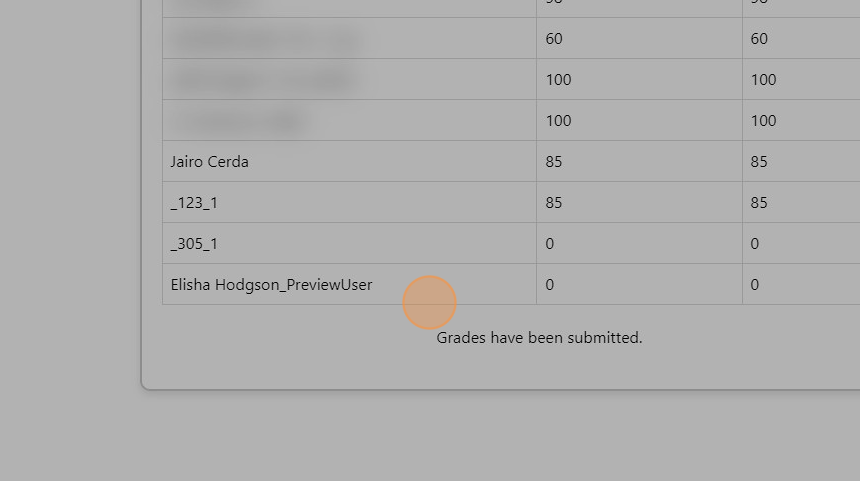
11. After submitting grades, you will see "Grades have been submitted."